





















Happy Glass Unblocked
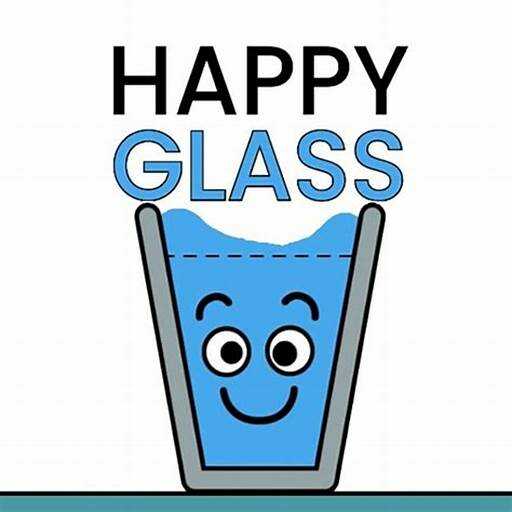
The game on this page is a browser clone titled Happy Glass 2, not Lion Studios' mobile app, and it is worth knowing that up front. What it keeps is the core idea: a sad glass sits somewhere on the screen, water pours from a tap, and you draw a line with the mouse so the water runs into the glass and fills it to the goal line.
The clone's own tutorial spells out its three tools: tap to release the water, tap on a block to remove it, and touch and drag to flip the glass. Levels are short, coins are earned per level, and a face customiser lets you change the glass's expression. There is no 500-level set, no temperature mechanic and no restricted-zone rule here; those belong to the app.
How to play Happy Glass?
Draw the shortest line that changes the water's direction; long lines have weight and can tip or drag. Remove blocks before releasing water, not after, since falling water is hard to redirect. If the glass is upside down, flip it first and then work out the line.
Controls
Desktop: click and drag to draw a line, click a block to remove it, click and drag the glass to flip it, then click to release the water. Touch screens: the same gestures with a finger.
Happy Glass unblocked
Happy Glass runs right here in the browser with nothing to install, so it plays on school Chromebooks and other locked-down networks.
Similar games on Speghetti Edition
- Cut The Rope is the other physics puzzle about guiding something into a mouth.
- Fruit Merge is a drop-and-combine physics puzzle in the same relaxed register.
- Brain Test is a trick-question puzzle collection for when you want to think sideways.
Who created Happy Glass?
The original Happy Glass is by Lion Studios. This browser version is an unofficial Construct 2 clone that copies the draw-a-line mechanic.
Can I play Happy Glass on mobile and desktop?
Yes. Drawing and tapping work with a mouse on desktop and with a finger on phones and tablets.