



























FNAF Unblocked

This is the original Five Nights at Freddy's, decompiled and rebuilt to run as HTML5 in the browser. One thing the build states about itself that is worth passing on: it is the demo version of the game, not the full retail release. Expect the opening of the campaign rather than all of it.
The loop is a resource problem dressed as a horror game. You sit in one office and never move. You have a camera system to watch the animatronics, two doors, two hallway lights, and a single power meter that every one of those things drains. Checking a camera costs power, holding a door shut costs more, and the night ends at 6 AM whether or not you still have any.
The tension comes from that budget rather than from anything chasing you in real time. Watching too closely runs the meter down early and leaves you sitting in the dark; watching too little means a door closes a second too late. Almost every loss is a power decision made several minutes earlier.
How to play FNAF
Check cameras in short glances rather than leaving the feed open — the power drain is continuous while you are looking, and a two-second check tells you almost as much as a ten-second one. Use the hall lights before the doors, since a light is cheap and a closed door is not; only commit the door once you have actually seen something. If the power is gone before 6 AM, sit still and stay quiet, because there is nothing left to spend and movement only shortens what is left.
The core challenge is balancing information gathering against power consumption. Checking cameras too often burns fuel fast, but ignoring the monitors leaves you blind to incoming threats. Early nights feel manageable with careful play, but later nights ramp up the animatronics' aggression, forcing tougher choices. There is no perfect solution—only trade-offs between knowing where enemies are and having enough power left to stop them.
Controls
Mouse only. Move your mouse to the monitor icon to view security cameras and cycle through different rooms. Click the light buttons to toggle hallway lights. Click the door buttons to raise or lower the left and right blast doors. The power meter, camera feed, and clock are all visible on your desk. Listen for audio cues indicating animatronic movement.
Tips
Do not panic and do not overuse resources. Check the most vulnerable areas—Pirate Cove (Foxy) and the Show Stage (Freddy and Chica)—but not constantly. Learn the rhythm: use lights when you hear movement in the hallway, close doors only when the camera shows an animatronic right outside. Stay calm under pressure. Every wasted second or unused light drains power you may desperately need later. The animatronics follow patterns that shift between nights; once you recognize those patterns, you can respond more efficiently.
Play FNAF unblocked
This version of FNAF is unblocked and runs entirely in your web browser — no download, no install, and no extensions. That means it works on school Chromebooks and on library or workplace networks where gaming sites are usually restricted. Just load the page and the night shift begins.
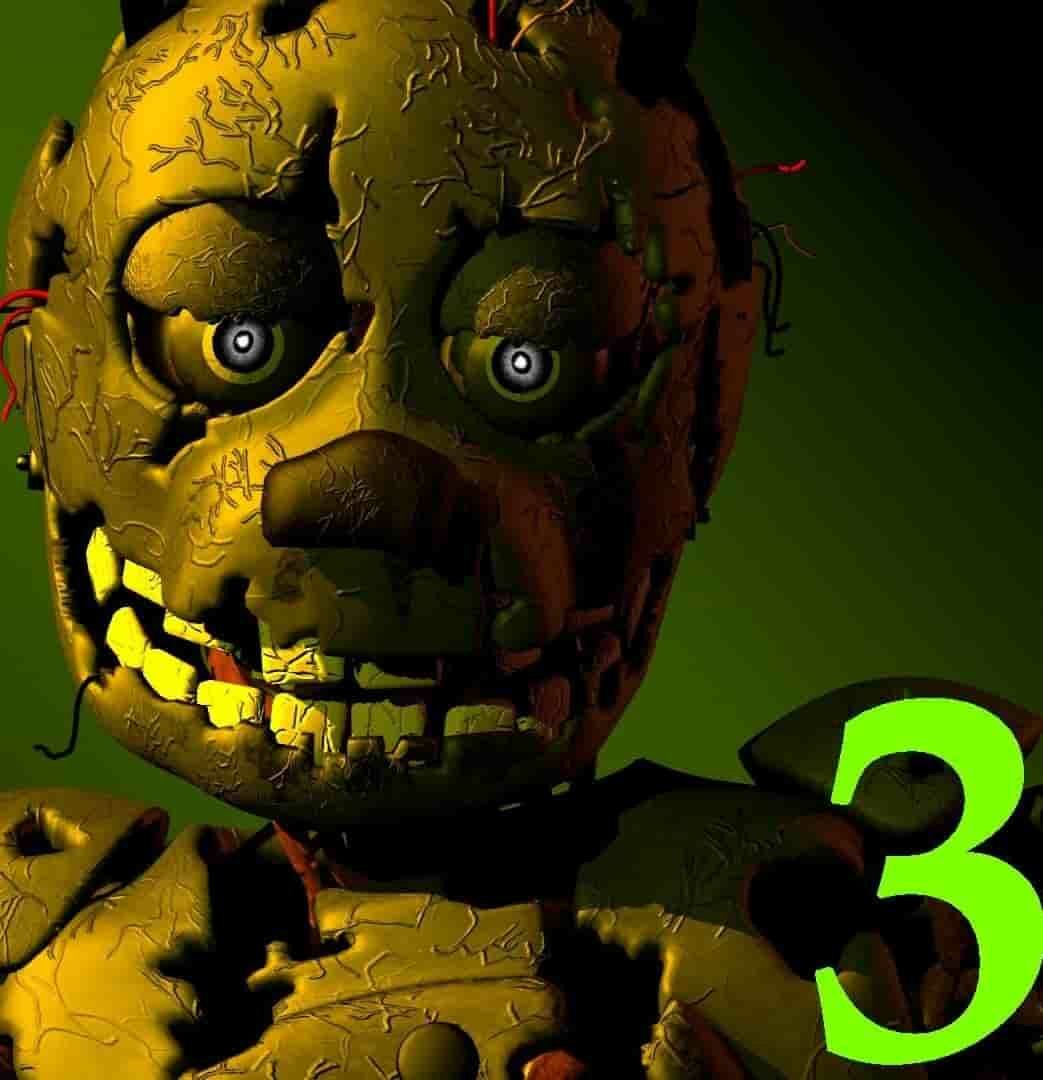
Want the rest of the series? The whole saga is playable free on Speghetti Edition: FNAF 2, FNAF 3, FNAF 4, and FNAF: Sister Location.
Similar games on Speghetti Edition
- Granny is a survival horror game where you must escape a house while avoiding an aggressive AI, relying on stealth, sound awareness, and quick problem-solving.
- Backrooms is an atmospheric horror crawler where you navigate eerie empty spaces, stay hidden from unseen threats, and manage fear and uncertainty.
- The Baby In Yellow is a tension-driven horror game where you babysit in a mysterious house and must respond to escalating, unsettling events.
Who created Five Nights at Freddy's?
Five Nights at Freddy's was created by Scott Cawthon in 2014. His indie horror game became a cultural phenomenon, spawning a multi-game franchise, books, merchandise, and a feature film.
Can I play FNAF on mobile and desktop?
FNAF plays best on desktop with a mouse, which is how the controls are designed. The game is playable in your web browser on any computer. Mobile browsers may support the game, but the touchscreen controls can feel awkward compared to mouse aiming and clicking, so desktop play is recommended for the best experience.